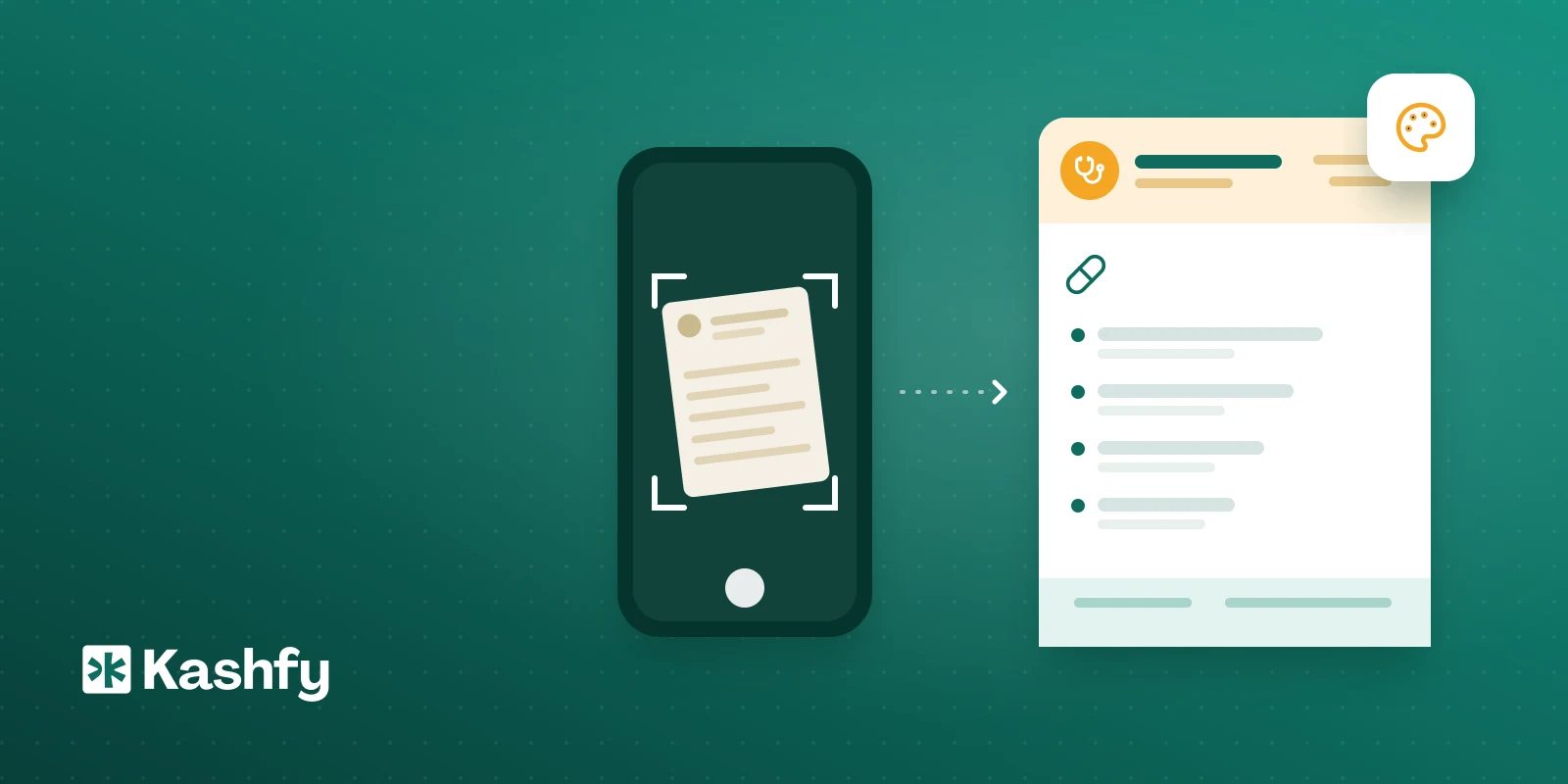
Most doctors have a printed prescription paper they put real thought into: names and titles in Arabic and English, the logo, addresses and booking numbers in the footer. The first question when moving to software is whether the prescription that reaches the patient on WhatsApp will look like your paper or like something generic.
Kashfy has a Prescription Designer for exactly this. You photograph your paper, Kashfy rebuilds it as a digital design, you review it and save. From then on every prescription PDF comes out on that design. Here is how it works step by step, and what to watch for.
The problem: the prescription is your clinic's face
The prescription is the one page that travels with the patient to the pharmacy, gets forwarded to family and may be shown to another doctor. If it looks generic, your clinic looks smaller than it is. And if you print onto blank paper from software, you end up redesigning the page from scratch, which usually gets postponed.
Option one: clone your paper from a photo
- Photograph your printed paper. A clean sheet, flat, straight on, in good light works best.
- Upload the photo in the Prescription Designer.
- Kashfy reads it: your name and titles on the Arabic and English sides, the color, where the logo sits, fields like Date, Patient Name and Age, and the addresses and booking numbers in the footer.
- It cuts your logo out of the photo and rebuilds the whole paper as a digital design.
- You review it before saving and adjust any detail by hand.
If the photo can't be read, Kashfy asks for a clearer one instead of guessing.
Option two: build it from scratch
If you have no printed paper or want a fresh start, build it yourself:
- Pick A4 or A5 and a color.
- Write the header on both sides, Arabic and English.
- Place the logo left, center or right, and optionally add a faint copy behind the page.
- Switch fields on or off and reorder them: Date, Patient Name, Age, Diagnosis, Doctor, Rx code.
- Fill the footer with addresses, phones, website and email, with or without a colored band.
The preview next to the form updates as you type, and it is the exact page the PDF is printed from. What you see is what comes out.
If your clinic has several doctors
You have two choices. One design for everyone: write {doctor} where the name goes and each prescription shows the doctor who wrote it. Or one paper per doctor: choose a design for each doctor, pick the doctor and save. Until you do, doctors use the clinic's shared design with their own name filled in.
After you save
From the moment you save, every prescription PDF uses the new design, whether you print it at the desk or send it to the patient on WhatsApp before they leave the room. The prescription itself is written from the visit screen; see the digital prescriptions page for that part. The PDF carries your logo, the doctor's name and stamp as you set them up.
Old prescriptions don't change retroactively. The design applies to new ones from the moment you save, and you can reset to the default design at any time.
Who can change the design
Owners, admins and doctors. Other team members, such as reception, can't change the paper. That keeps the clinic's paper from being edited by accident mid-day.
Limits to know
- Cloning depends on photo quality. A tilted or dark photo gives weaker results and needs manual fixes.
- The review step matters. Check names, numbers and addresses carefully, especially booking numbers.
- The design covers the look of the page and its fields. The drugs and doses are still written by the doctor during the visit.
- Kashfy doesn't print for you. Printing happens on your own printer; the design decides how the page looks.
Try it yourself
The first 30 bookings are free with no card and no time limit, so you can set up your paper and try a real prescription before paying. See everything in the features page and prices on the pricing page. Every plan includes every feature, so nothing is locked.